Service Plan Updates: Simpler Renewals and New Pricing Options
We've rolled out a set of updates to service plans that make renewals simpler and give you more control over pricing and scheduling. Here's what's new!
Auto-Renew Continues the Same Plan
When a plan's agreement term ends, auto-renew now keeps the same plan going instead of creating a second one. Plans that had already renewed into two separate plans have been combined into one, keeping the most recent setup.
Jobs Generate 12 Months Ahead
Plans now keep creating jobs on a rolling basis, 12 months before the work happens, so you always see the next year of work.
Auto-Schedule or Create as Pending
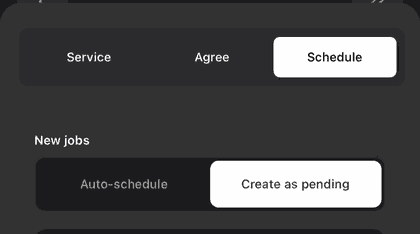
Each plan now has a New jobs setting on its Schedule tab:
Auto-schedule: puts new jobs straight on the schedule
Create as pending: lets you schedule or route them later
New plans follow whatever you choose when you first schedule them.
New Line Item & Discount Timing
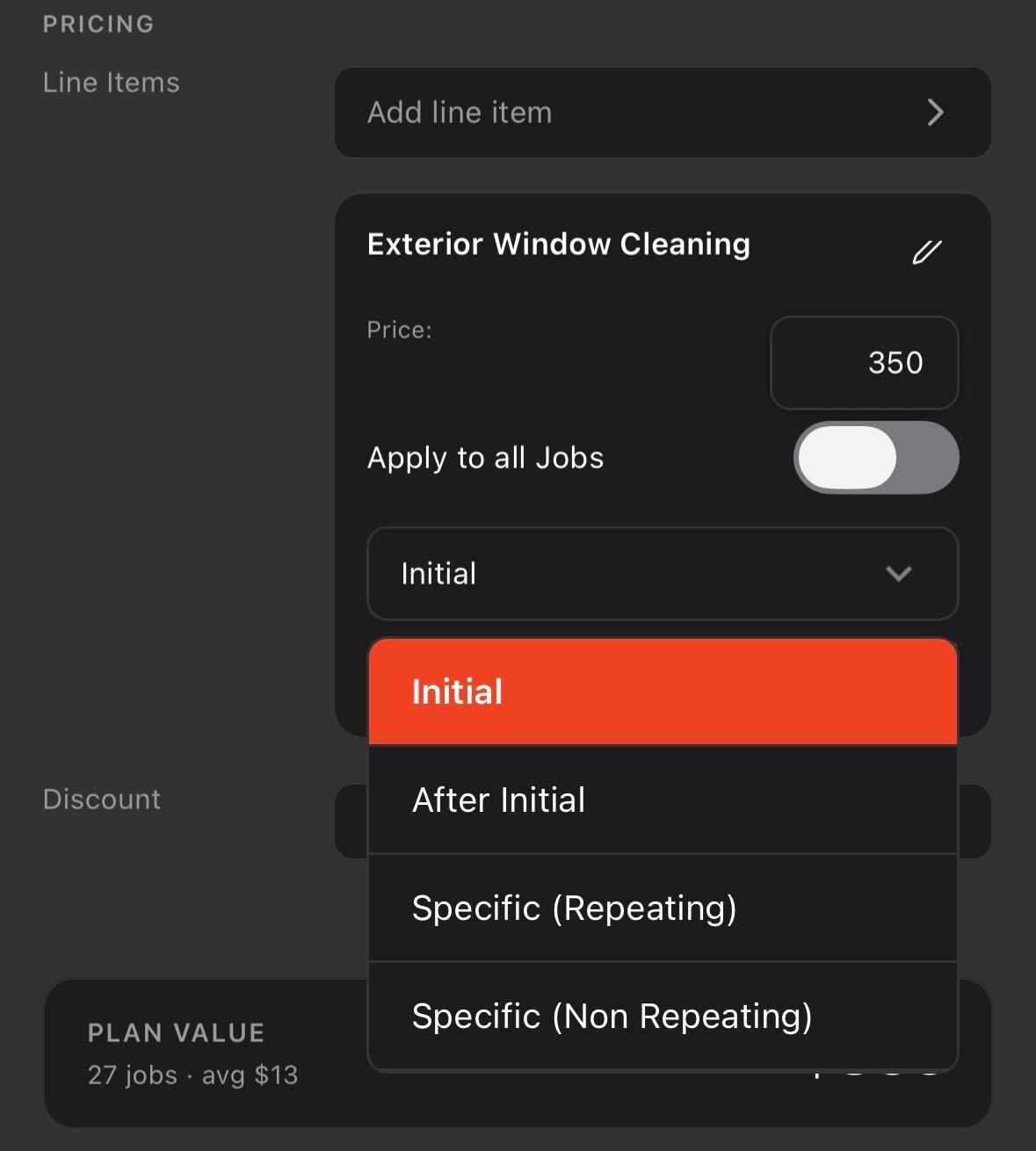
Choose exactly which jobs a line item or discount applies to:
Initial Job: first job only. Won't repeat after the plan renews. Doesn't count toward ARR.
After Initial: every job after the first. Counts toward ARR.
Specific (Repeating): repeats on a pattern, like every 2nd job. Counts toward ARR.
Specific (Non Repeating): one specific job only. Doesn't count toward ARR.
New Initial Period Filter
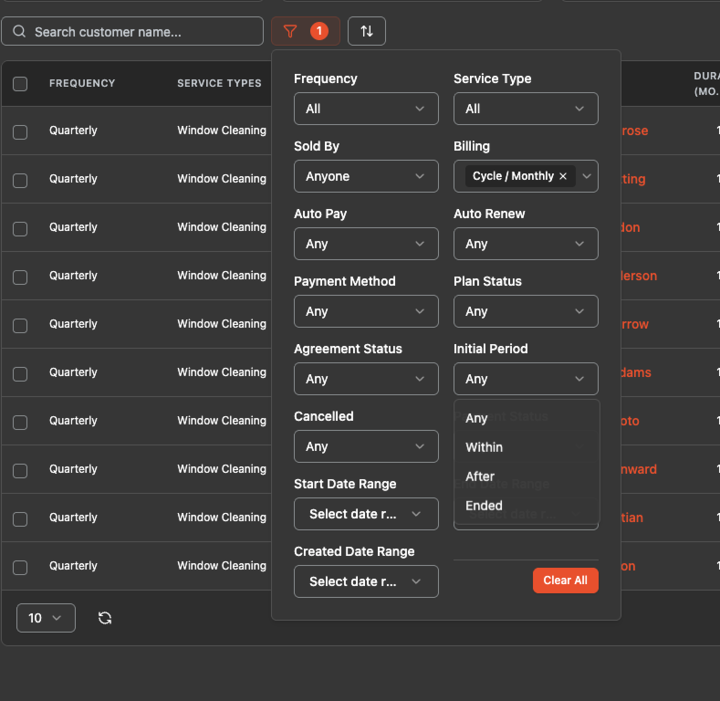
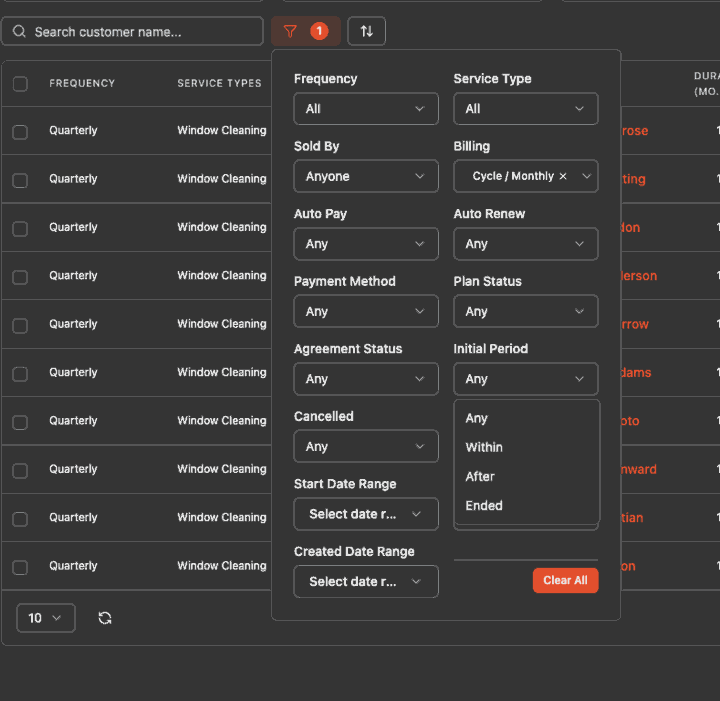
On the Service Plans page, filter plans that are Within, After, or have Ended their initial period. This replaces the old renewed / not renewed filter.
Learn more about Service Plan Updates:
https://helpcenter.getrotor.com/en/articles/2132182-service-plan-updates-renewals-job-generation-and-line-item-timing
Review the Latest Updates
Log in to Rotor and review these updates and articles with your team. Reach out to us directly via our in-app support with any questions and we are happy to coordinate.
Keep in touch!
If you’re curious about Rotor or would like to learn more, we’d love to meet you! We feel super blessed to work alongside such a great industry and love helping our companies succeed.
👉 BOOK TIME WITH US: https://calendly.com/carson-getrotor/rotor-demo
Follow the journey on Instagram @get_rotor
Have feedback on any of these? We want to hear it. Reach out through the Discord community, the in-app chat, or email us at support@getrotor.com.
- The Rotor Team